Smart Home
About
project
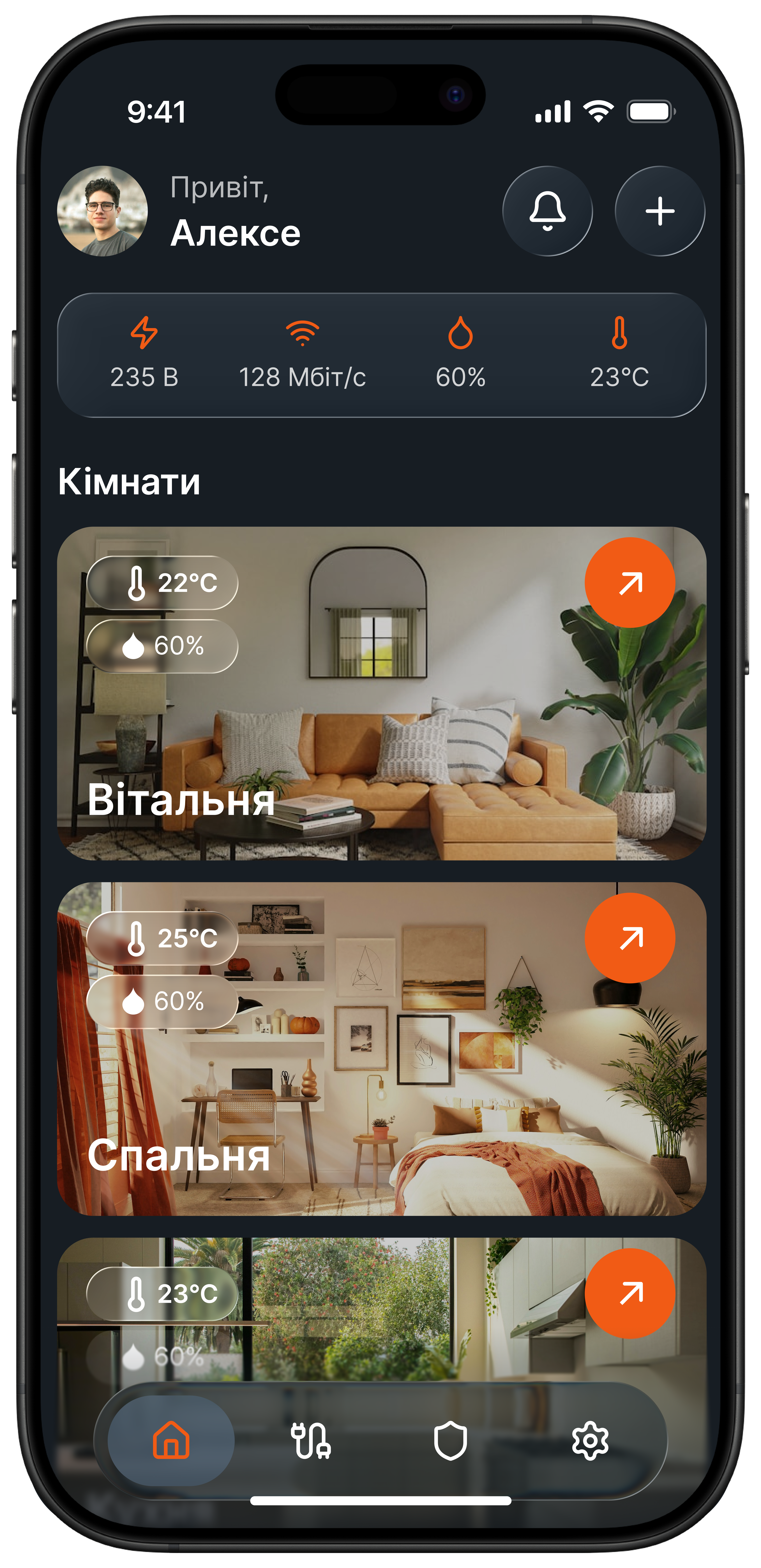
Smart Home is a mobile app concept created to simplify everyday control of smart devices in the home. The project focuses on bringing different devices into one clear and user-friendly experience, so users do not need to switch between multiple brand-specific apps. The goal was to design a product that feels simple, intuitive, and accessible even for people without a technical background.
Client: UX/UI Case Study
Year: 2026
Role: UX/UI Designer
Location: Remote

Responsibilities
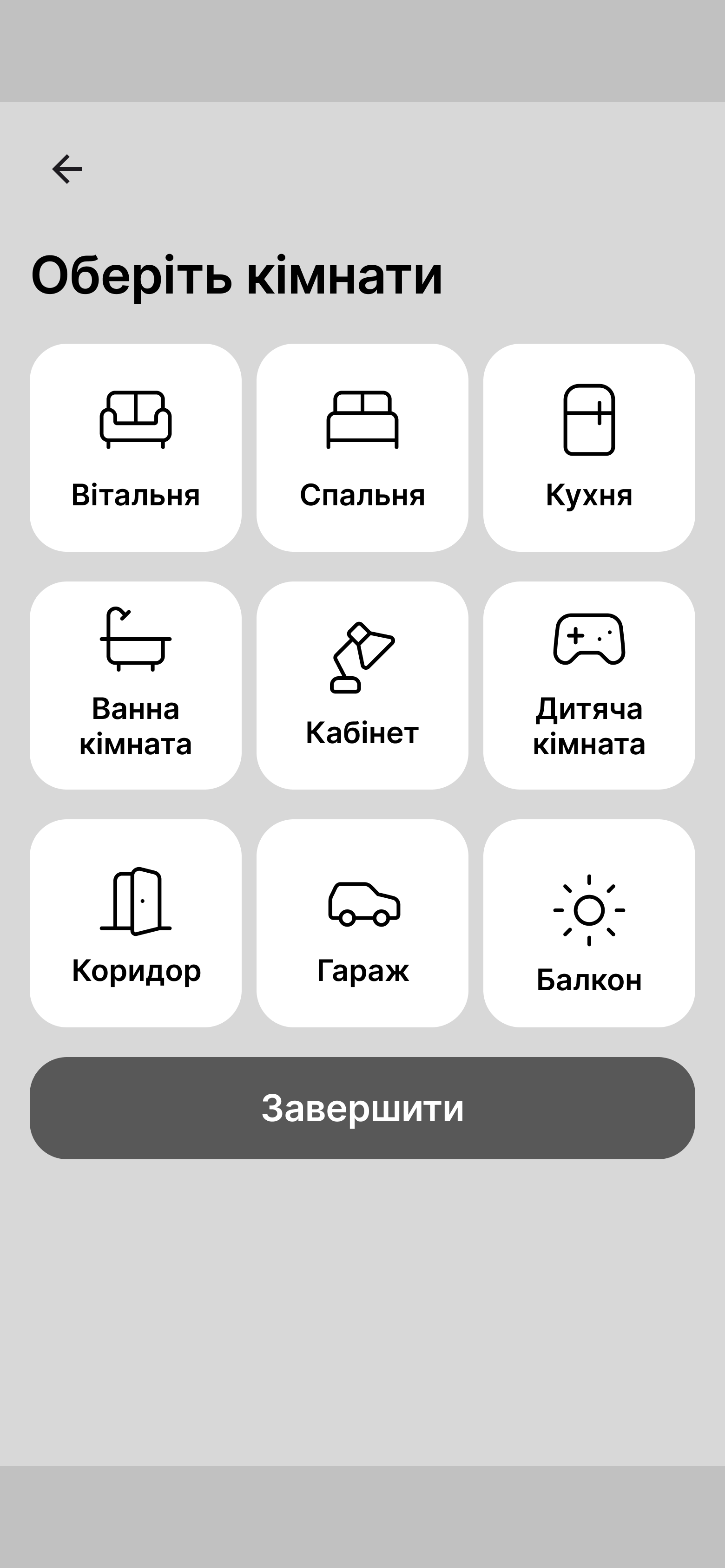
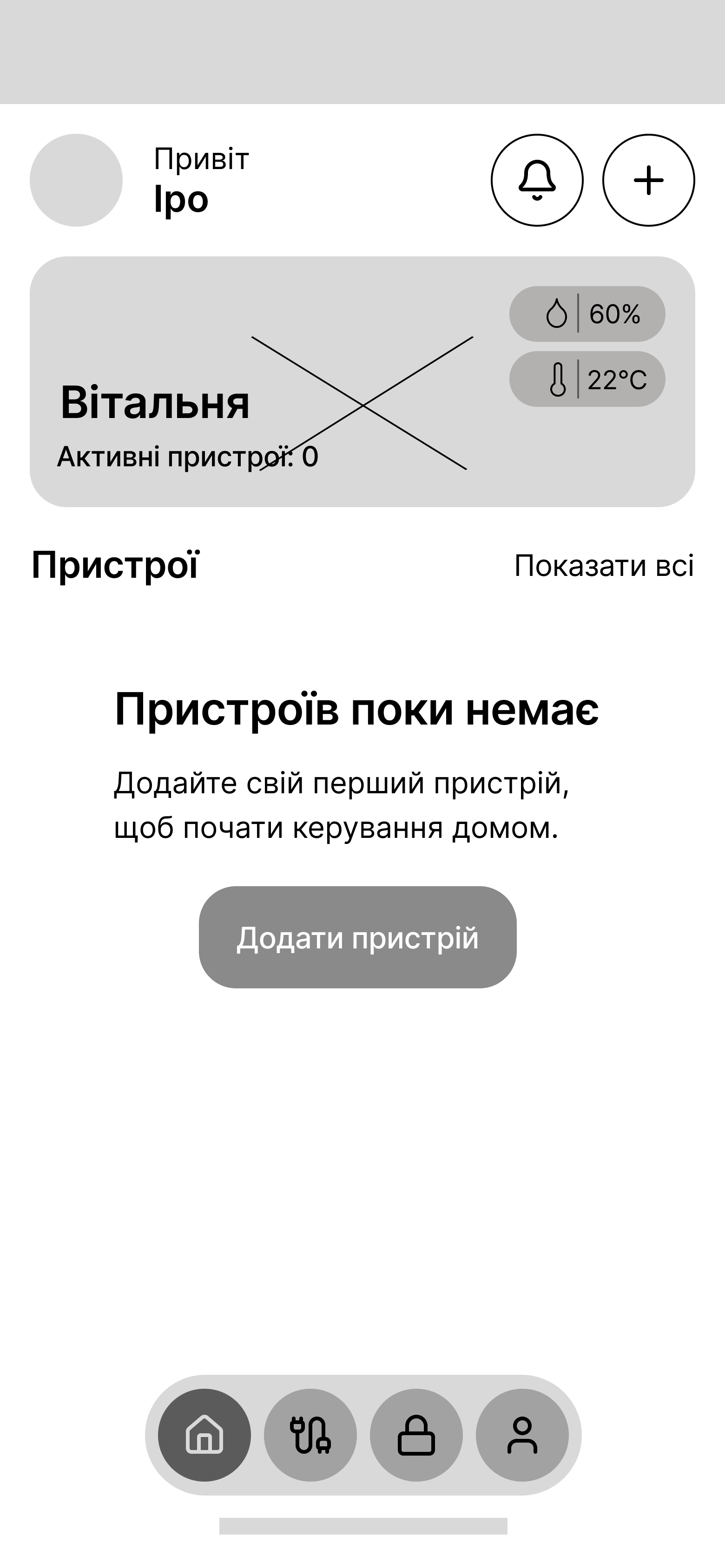
My main responsibility was to design a mobile application that solves a common smart home problem: users often need to manage devices from different brands through multiple separate apps. I worked on the UX/UI process, including defining the problem, researching the audience, analysing competitors, developing the structure of the app, creating user flows and wireframes, and designing the interface.
Challenges
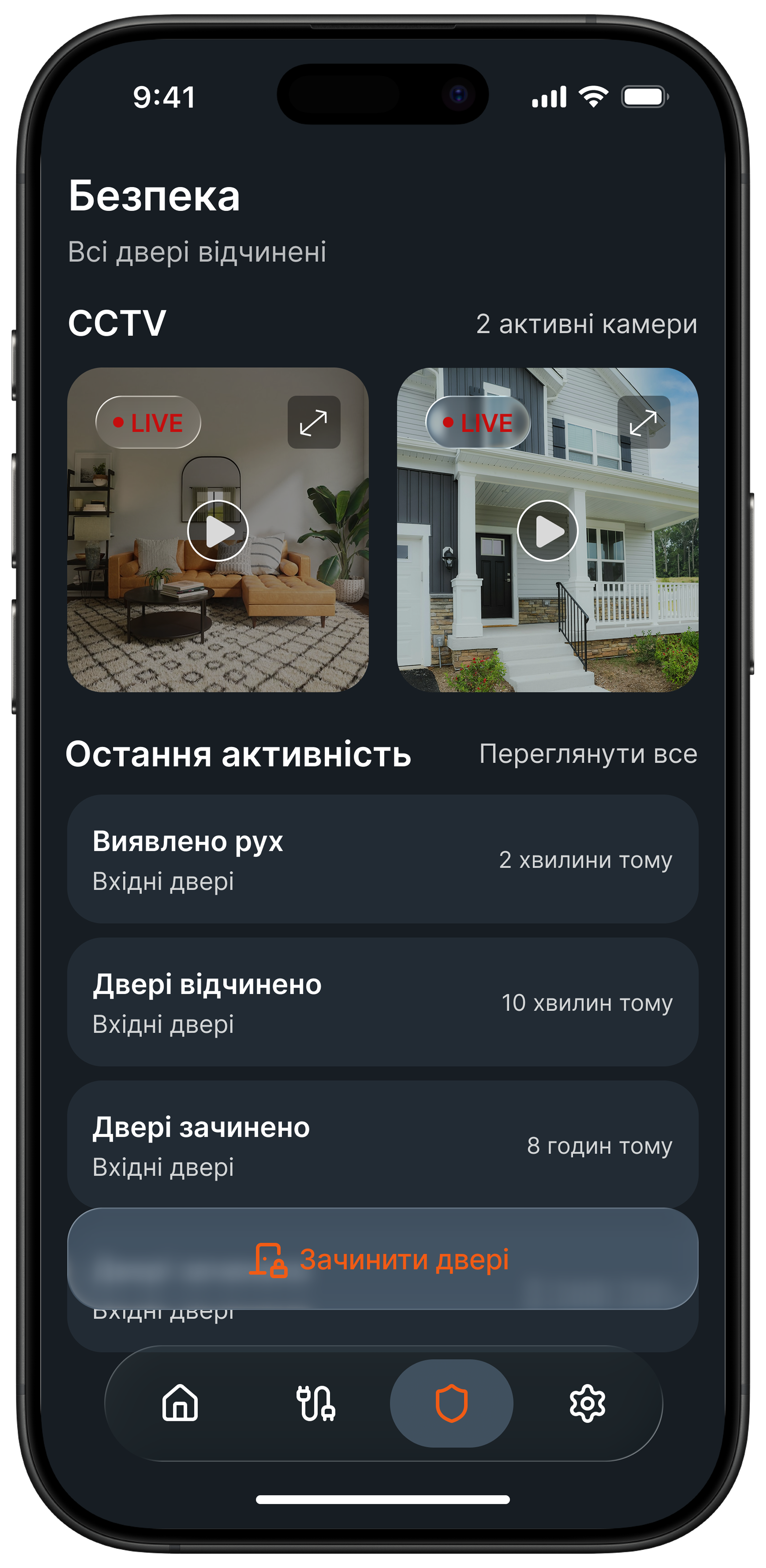
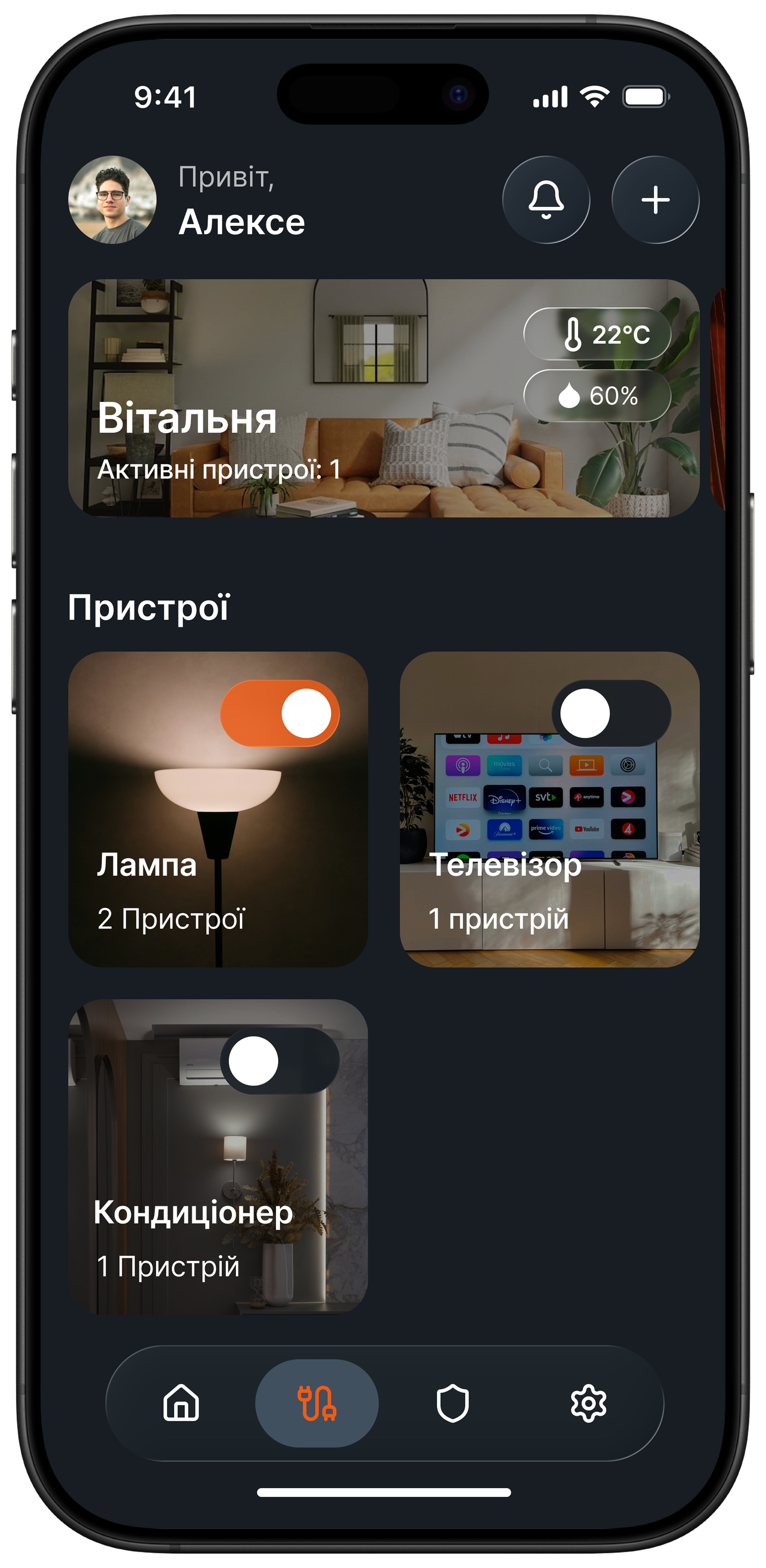
The main challenge was designing a smart home product that would feel simple for non-technical users. Many existing smart home platforms are powerful, but they can also feel overwhelming, especially when users need to control multiple devices, brands, and settings at once. Another challenge was creating a system that reduces complexity without removing important control. The interface needed to be easy enough for daily use, while still allowing users to manage key home actions such as lighting, heating, sockets, and security.
UX Research
& Insights
I started by exploring the smart home market, user habits, and everyday frustrations related to device management. The research showed that one of the biggest issues is fragmentation: users often need to open several different applications just to complete a simple task at home.
The target audience included adults aged 22–50, mainly people living in their own homes, especially private houses, as well as some renters and families interested in saving time and making everyday routines easier. Many of them already use smart devices, while others are interested in starting but may feel discouraged by the technical complexity.
The research also showed that these problems appear daily in simple but repeated situations, such as switching lights on and off, controlling temperature, checking whether everything is turned off, preparing the home before returning, or managing devices like smart plugs and robot vacuums.
This helped define the main product direction: one app, simple language, minimal steps, and control through meaningful scenarios instead of separate device-by-device actions.
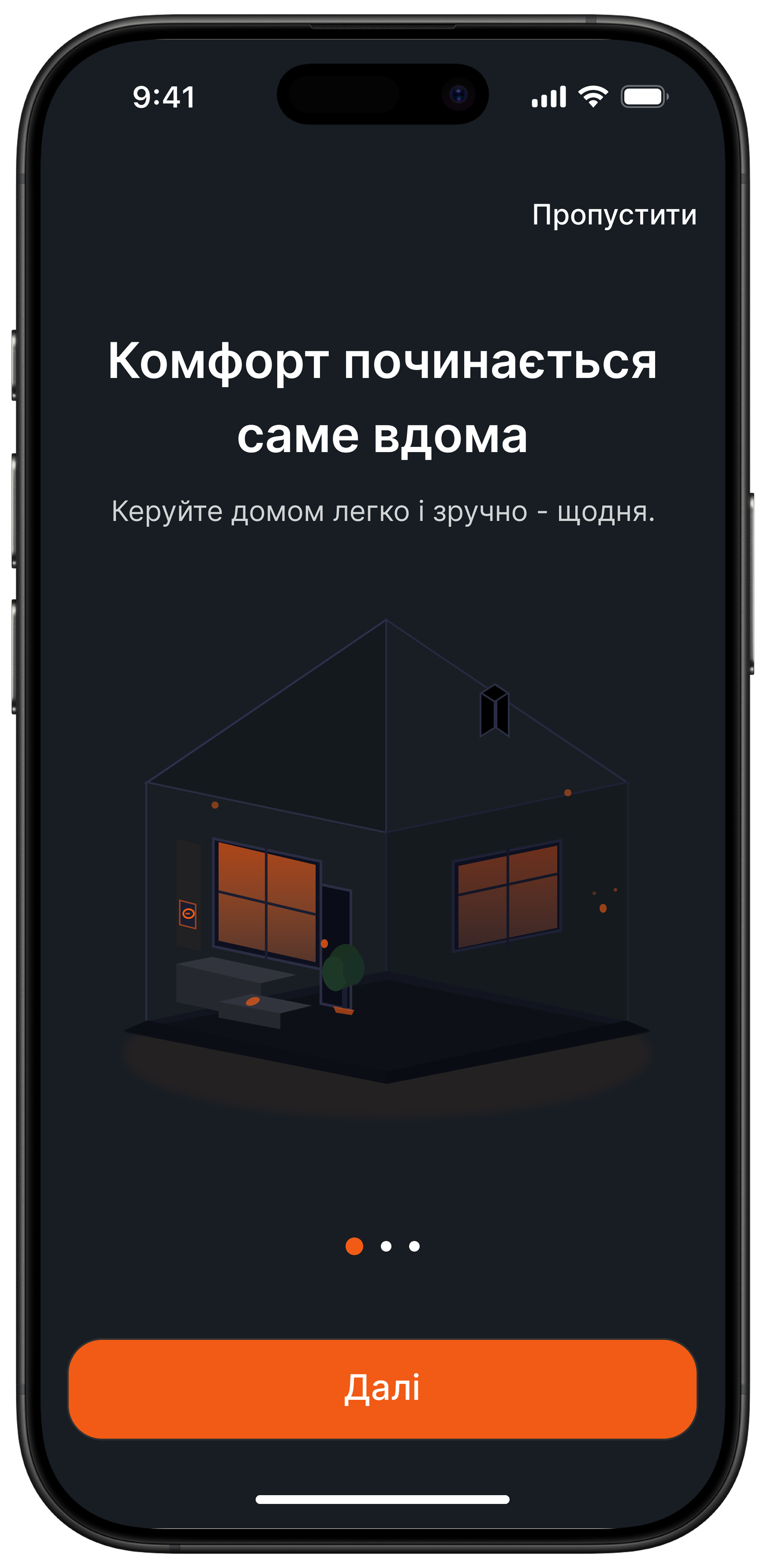
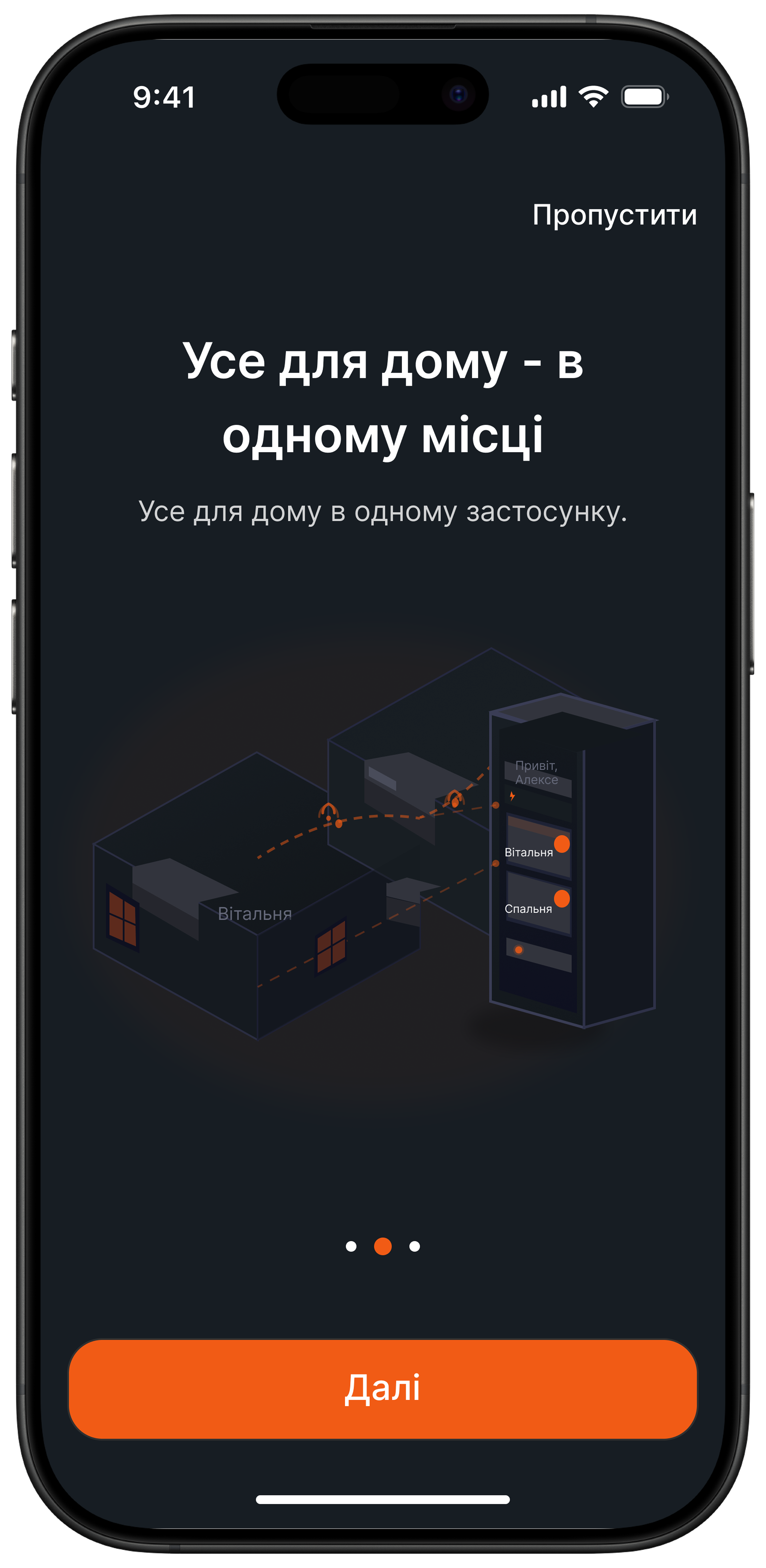
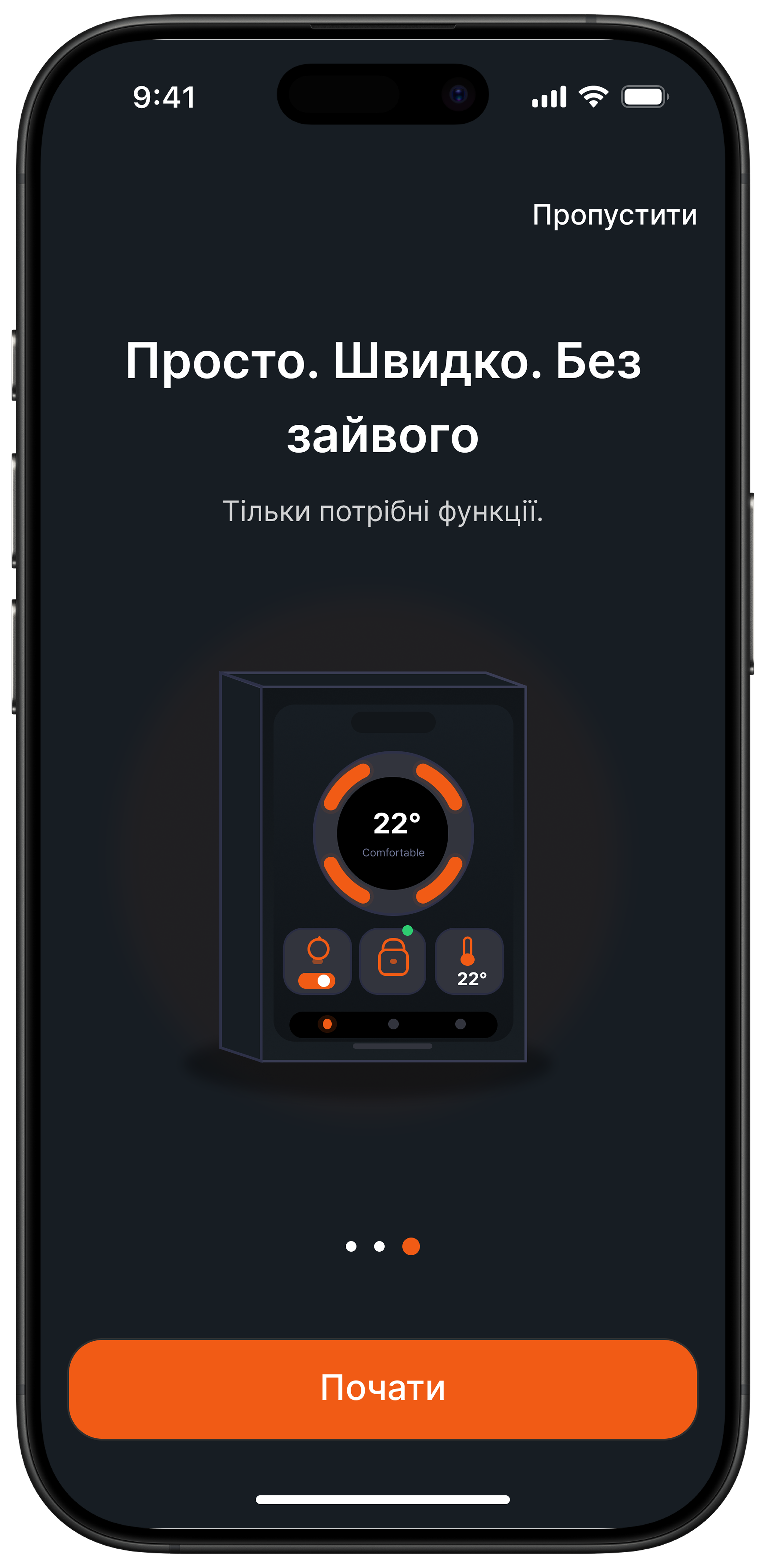
Wireframes
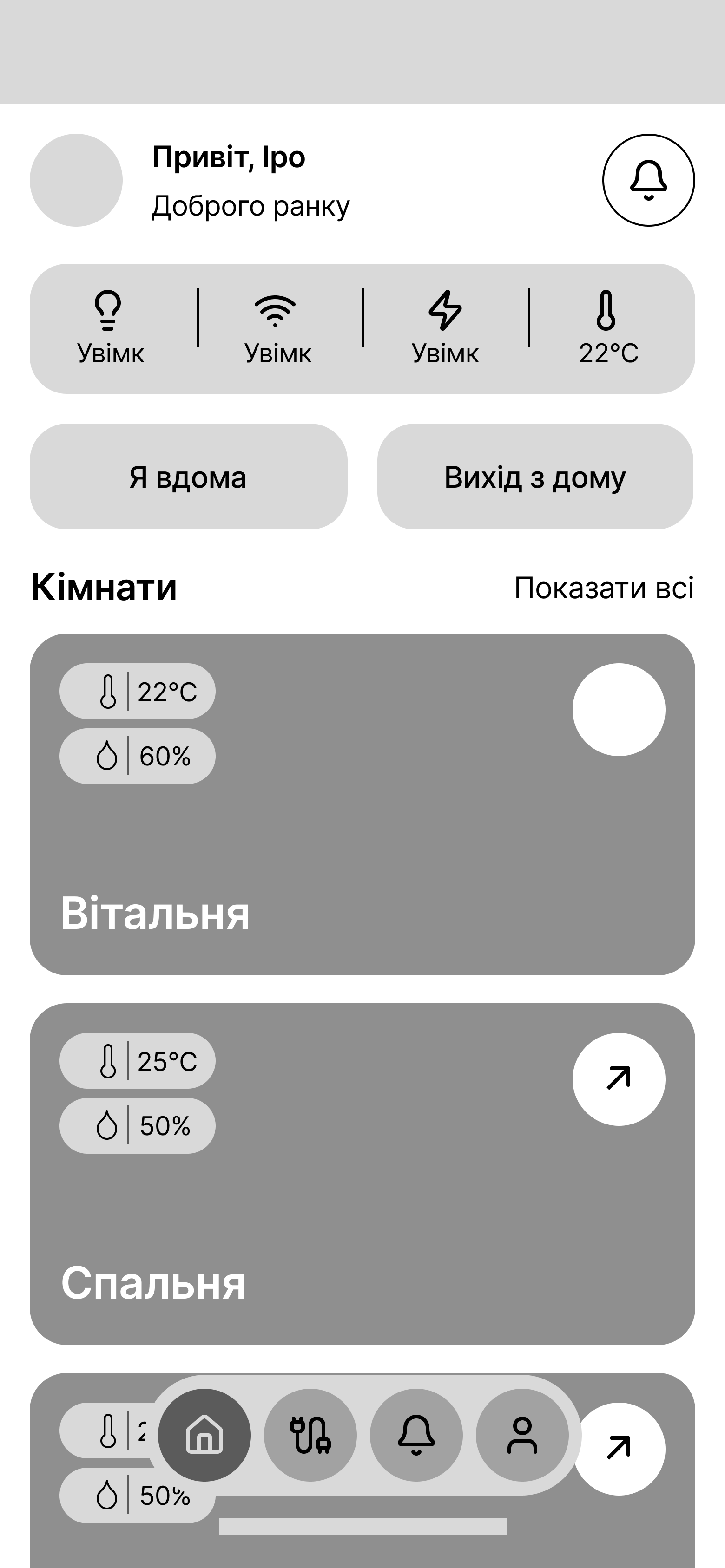
Final Design (UI)
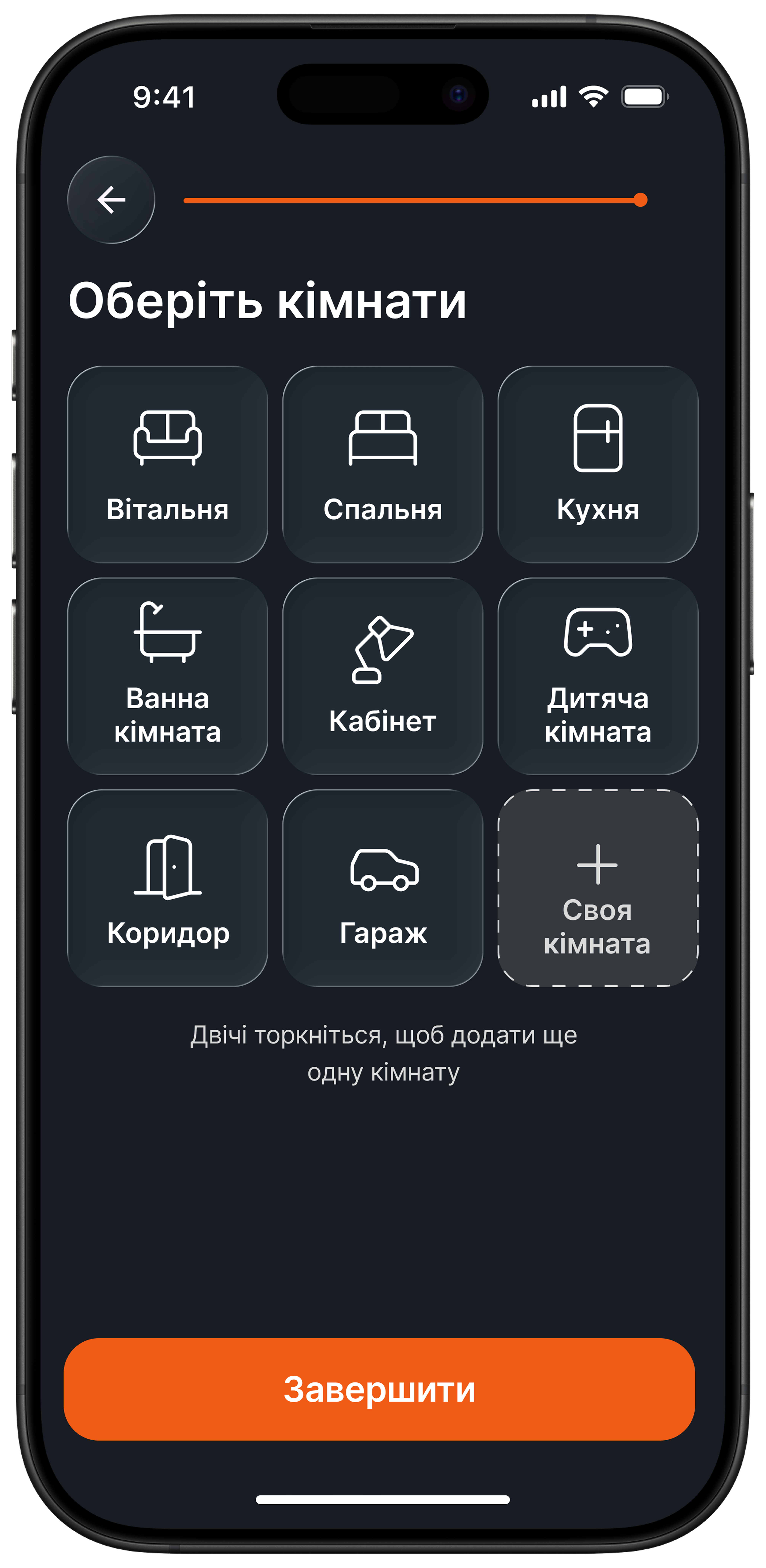
The final UI was designed to feel modern, clean, and calm. Since smart home systems can easily become visually overloaded, I focused on a simple interface with clear sections, readable typography, and intuitive controls.
The visual direction supports trust and ease of use. Instead of making the product feel highly technical, I aimed for a more human and approachable experience. The interface highlights the most important actions first and helps users feel in control of their home without confusion.
The design also supports quick access to routine actions, which is one of the central ideas of the product. Rather than forcing users to manage each device individually, the interface encourages scenario-based control that saves time and reduces cognitive effort.